

适用场景:本地开发环境连接腾讯云服务器上 1panel 安装的 Redis
一、服务器端配置
1. 开放防火墙(安全组)
登录腾讯云控制台 → 云服务器 → 安全组 → 修改规则 → 添加入站规则:
| 类型 | 来源 | 协议端口 | 策略 |
|---|---|---|---|
| 自定义 | 你的本地公网IP/32 |
TCP:6379 | 允许 |
💡 安全建议:来源填写你的本地公网IP(访问 ip.sb 查看),不要开放
0.0.0.0/0

2. 1panel 开启 Redis 外部访问
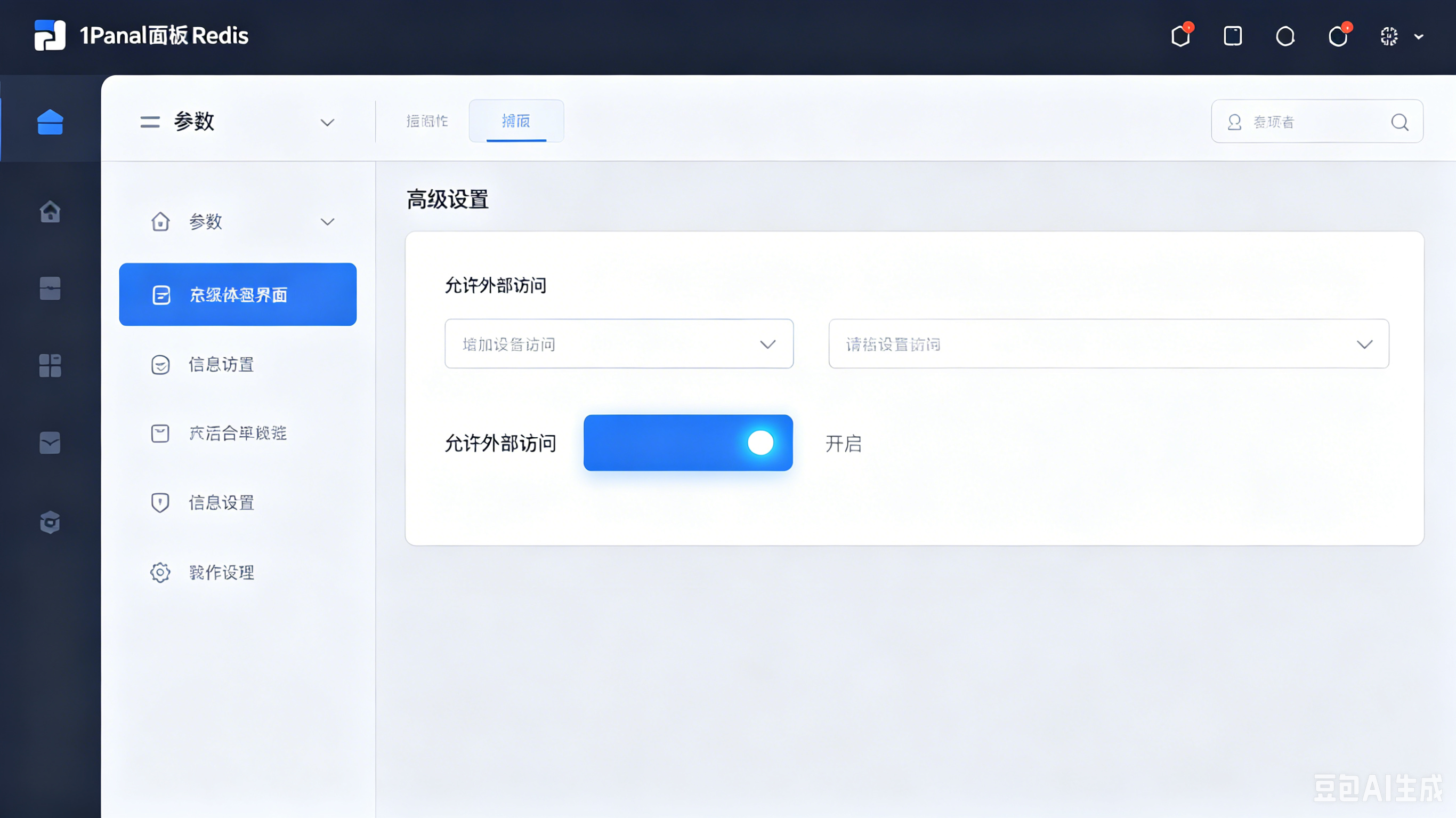
1panel 面板 → 已安装应用 → Redis → 参数 → 高级设置 → 勾选 "允许外部访问" → 保存并重启
这一步会自动修改 Redis 的
bind配置,允许外部IP连接
二、验证 Redis 可连接
本地安装 Redis CLI 后,执行:
redis-cli -h <服务器公网IP> -p 6379 -a <密码> ping
返回 PONG 即表示连接成功 ✅
三、Spring Boot 配置
1. 添加依赖
<dependency>
    <groupId>org.springframework.boot</groupId>
    <artifactId>spring-boot-starter-data-redis</artifactId>
</dependency>
2. application.properties 配置
spring.data.redis.host=49.233.181.71
spring.data.redis.port=6379
#spring.data.redis.username=default
spring.data.redis.password=redis_RPzChp
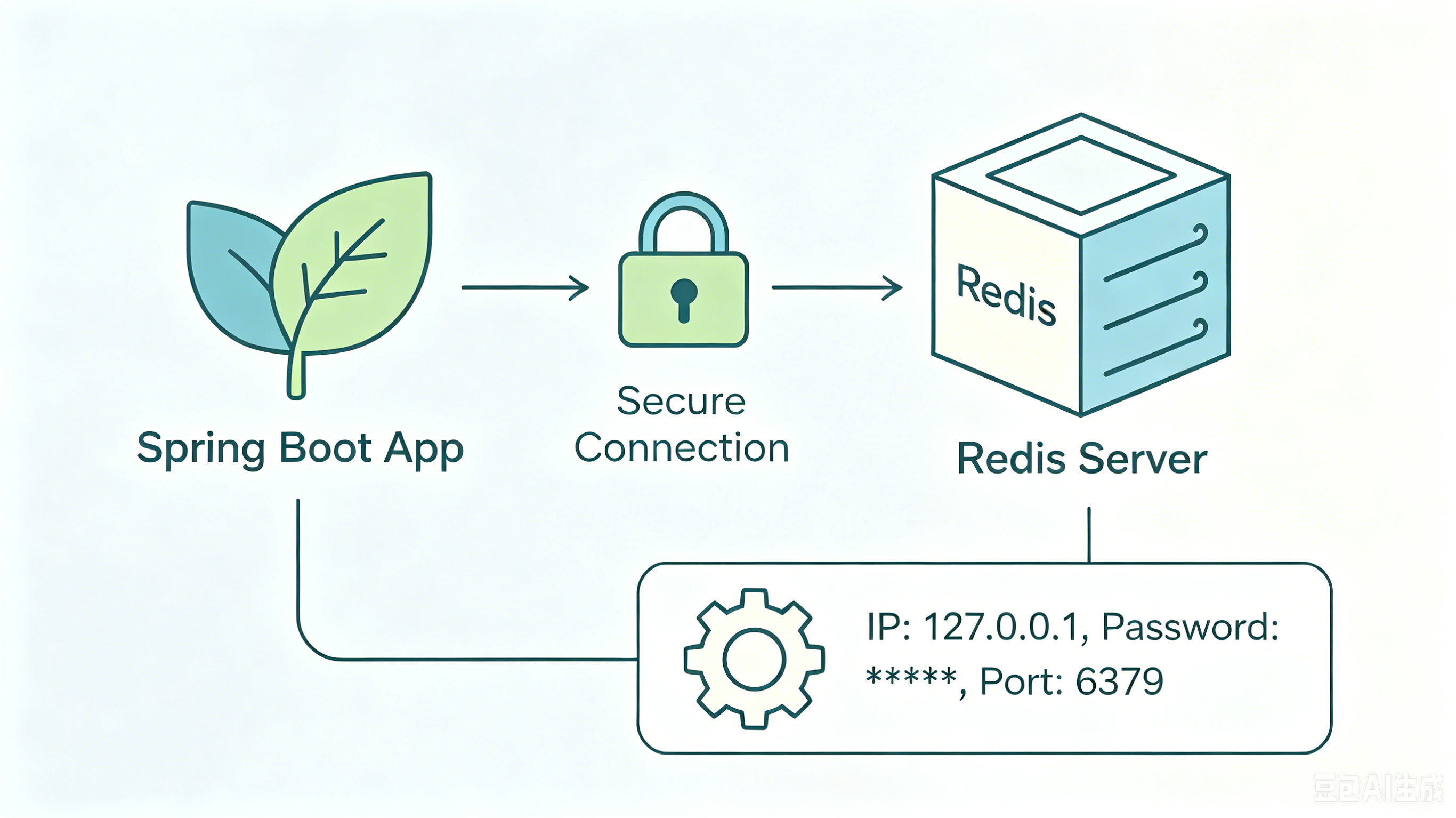
⚠️ 注意:1panel 安装的 Redis 没有用户名,只用
password校验连接
3. 快速测试代码
@Autowired
private StringRedisTemplate redisTemplate;

@GetMapping("/redis/test")
public String test() {
    redisTemplate.opsForValue().set("key", "value", 1, TimeUnit.MINUTES);
    return redisTemplate.opsForValue().get("key");
}
四、常见问题速查
| 现象 | 原因 | 解决 |
|---|---|---|
Connection refused |
Redis 未启动 / 端口错误 | docker ps 检查容器状态 |
Connection timed out |
安全组未放行 / 防火墙拦截 | 检查腾讯云安全组入站规则 |
NOAUTH |
密码错误或未填 | 确认 1panel 中的 Redis 密码 |
DENIED protected mode |
未开启外部访问 | 1panel 中勾选"允许外部访问" |
五、关键要点总结
┌────────────────────────────────────────┐
│  1panel Redis 连接要点                  │
├────────────────────────────────────────┤
│  ✅ 安全组:仅开放本地IP + 6379端口      │
│  ✅ 1panel:高级设置 → 允许外部访问      │
│  ✅ 配置项:host + port + password      │
│  ❌ 无用户名:username 字段留空或省略    │
└────────────────────────────────────────┘

评论 (1)
评论